
Hello Millions on mobile — detailed 2026 guide
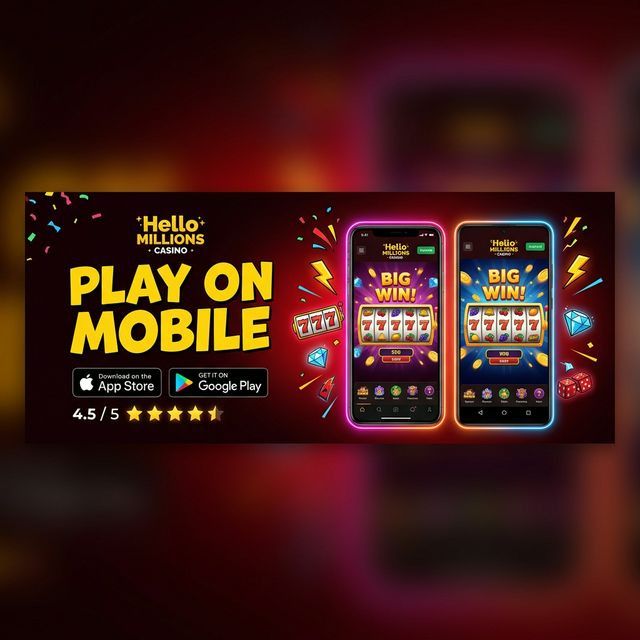
The Hello Millions mobile experience comes in two forms: a native Android app on the Google Play Store, and full browser play for iPhone and iPad users. There is no Apple App Store app at this time — iOS players use the mobile website instead, which loads the complete game catalog (all 700+ titles) with no download and no feature lock compared to desktop.
Android app: installation and performance
The Android app is available directly from Google Play, requiring Android 8.0 (Oreo) or newer. Unlike several competing sweepstakes platforms that keep their Android app off Google Play due to store policy, Hello Millions maintains a listed Play Store app — making installation simpler and more trustworthy than sideloading an APK. The app supports Google Pay for optional Gold Coin purchases, push notifications for time-sensitive coin drops, and fingerprint login on devices with compatible biometric hardware. It has accumulated 100,000+ downloads with a solid average rating.
iPhone & iPad: playing in the mobile browser
Apple device owners do not need to wait for an App Store release. The Hello Millions mobile site runs in Safari, Chrome, and Firefox on iOS, with a responsive layout designed for smaller screens. Every slot, table game, and live dealer table available on desktop and on the Android app is playable in the browser. The trade-offs are minor: no push notifications and no fingerprint shortcut, but the full game library, bonuses, and redemptions all work. You can add the site to your home screen for an app-like icon and one-tap launch.
Mobile-exclusive features
Beyond gameplay, the Android app adds two conveniences for regular players: real-time push notifications for daily coin drops (which expire within 24 hours) and app-only bonus reminders. Players who log in daily and want to maximize free coin accumulation may prefer the app for these alerts, while iOS browser players can simply check in manually each day.
Want to explore the full platform first? Read the Hello Millions hands-on expert review for our assessment of the mobile experience. For the latest welcome package, see our Hello Millions full mobile and desktop guide.
Troubleshooting common mobile issues
The two most common mobile support topics involve purchase errors and game loading. Purchase errors on the Android app usually stem from Google Play account restrictions — check that no parental controls block in-app purchases. Game loading failures are almost always resolved by clearing the app cache (Settings → Apps → Hello Millions → Clear Cache) or, on iOS browser, clearing the site data and reloading. The support team typically responds to mobile tickets within about 12 hours on weekdays via in-app live chat.